 UnderBlue
 › Underwater photo and video guides
Underwater video tips: smooth, steady and colorful

Good underwater video is calm. Slow moves, a steady frame and a close subject matter more than the camera.
These tips work for phones and action cameras.
Move slowly
Turn the camera slowly, or keep it still. Let the fish swim into the frame and out of it. Fast moves look shaky and are hard to watch.
Hold the camera with both hands
Keep the camera close to your body. A tray or a handle helps. Get your buoyancy right first, then press record.
Keep clips short
Record clips of about 10 to 30 seconds, with one subject each. Short clips are easier to edit and share. They also export faster.
Stay close and shallow
Video loses color with distance and depth, just like photos. Film close to your subject. Shallow, sunny water gives the best color.
Expect the color to jump
Phone cameras change color and brightness on their own while you film. The color can jump when you turn toward the sun or the reef. If your camera can lock the exposure, try it.
Use lights with care
A video light brings back color close to the camera. Keep it away from the lens, and aim it a little past the subject. It then lights fewer particles, so you get less backscatter.
Pick good settings
- 4K gives you more detail to work with.
- 60 fps makes motion smoother and allows gentle slow motion.
- Start with a full battery and plenty of free storage.
Fix the color with UnderBlue
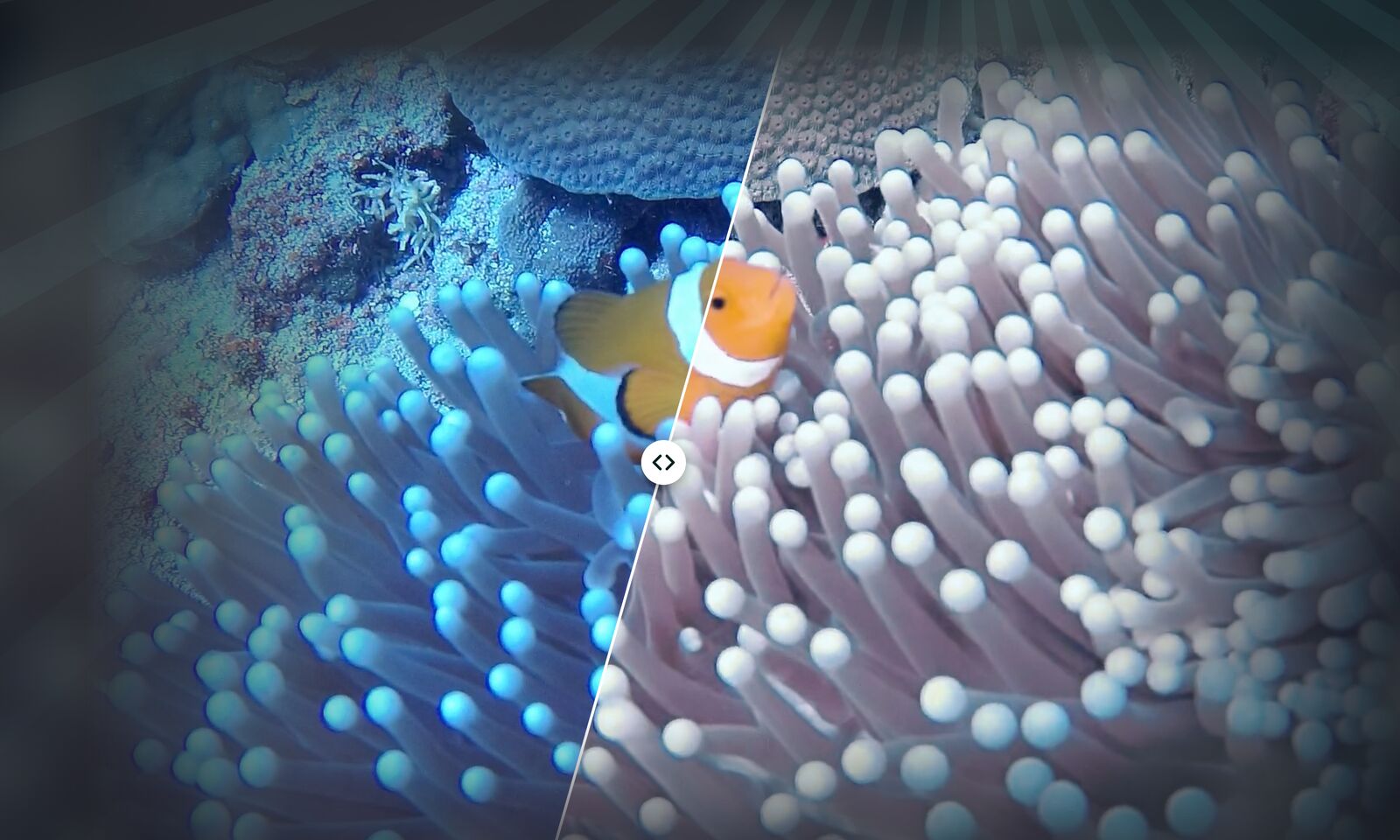
UnderBlue corrects the color of the whole clip and keeps it steady from frame to frame. It keeps the original frame rate, timing and sound. It can also export HDR video when the source and your iPhone support it.
UnderBlue brings natural color back to underwater photos and videos on your iPhone. Pick a look, compare it with the original, and save. Processing stays on your iPhone, with no account and no upload. You can try it for free.